KármánA GPU wind tunnel
How does the shape of an object change the air flowing around it — and the force it feels?
Summary
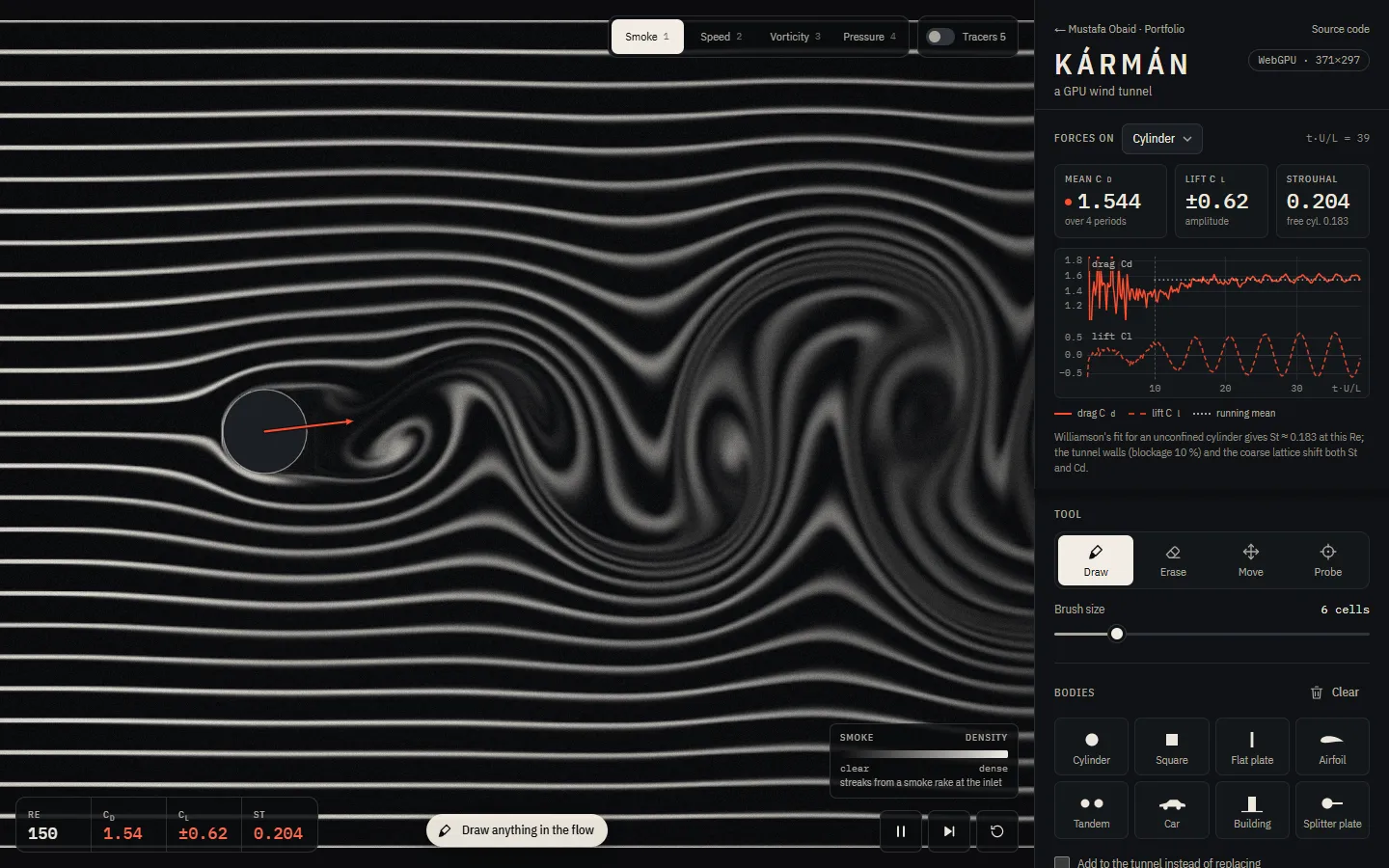
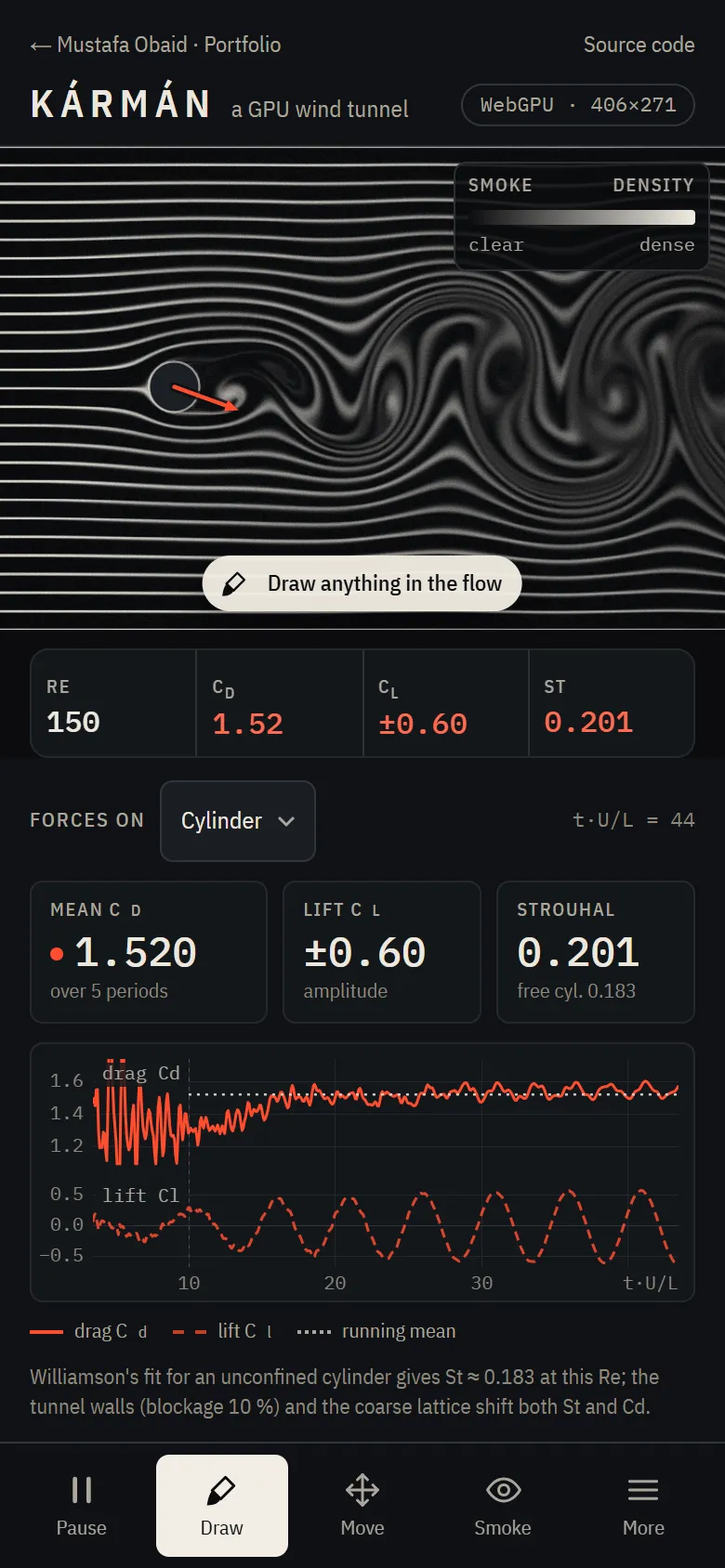
Draw any shape into a live lattice-Boltzmann wind tunnel running on the GPU, then measure the drag, lift and vortex shedding it causes.
What you can do
- Draw any shape into the flow, or drop in a cylinder, NACA airfoil, plate, car or building — every preset stays editable.
- Smoke, speed, vorticity and pressure views, with tracer particles and a probe for local velocity and pressure.
- Live drag and lift coefficients for each body, a running mean over whole shedding periods, and the Strouhal number.
- Benchmark mode runs the Schäfer–Turek cylinder test and compares the result with the reference values.
- Runs on the GPU with WebGPU, or on the CPU in a Web Worker when WebGPU is not available.
How it works
A D2Q9 lattice-Boltzmann solver with two-relaxation-time collisions runs as WGSL compute shaders: each cell holds nine particle populations that collide and stream every step. Bodies use interpolated bounce-back, and forces come from momentum exchange, summed on the GPU and read back every few frames.
The hard part
Matching a CPU reference implementation on the GPU to float32 round-off, keeping the flow stable at low viscosity, and measuring forces precisely enough to compare with a research benchmark — in a browser tab.
Validation
- Schäfer–Turek 2D-1 (Re 20), drag at 40 cells per diameter
- 5.6094 vs 5.5795 (+0.35 %)
- 2D-2 (Re 100), Strouhal number
- 0.3016 (range 0.295–0.305)
- 2D-2 maximum lift coefficient
- 0.9967 (range 0.99–1.01)
- GPU vs CPU after 400 steps
- max velocity difference 3 × 10⁻⁷
- Poiseuille flow vs the analytic profile
- L2 error ≈ 10⁻¹⁴