StrutTopology optimisation in the browser
If you know where a part is held and where it is pushed, what is the stiffest shape you can make?
Summary
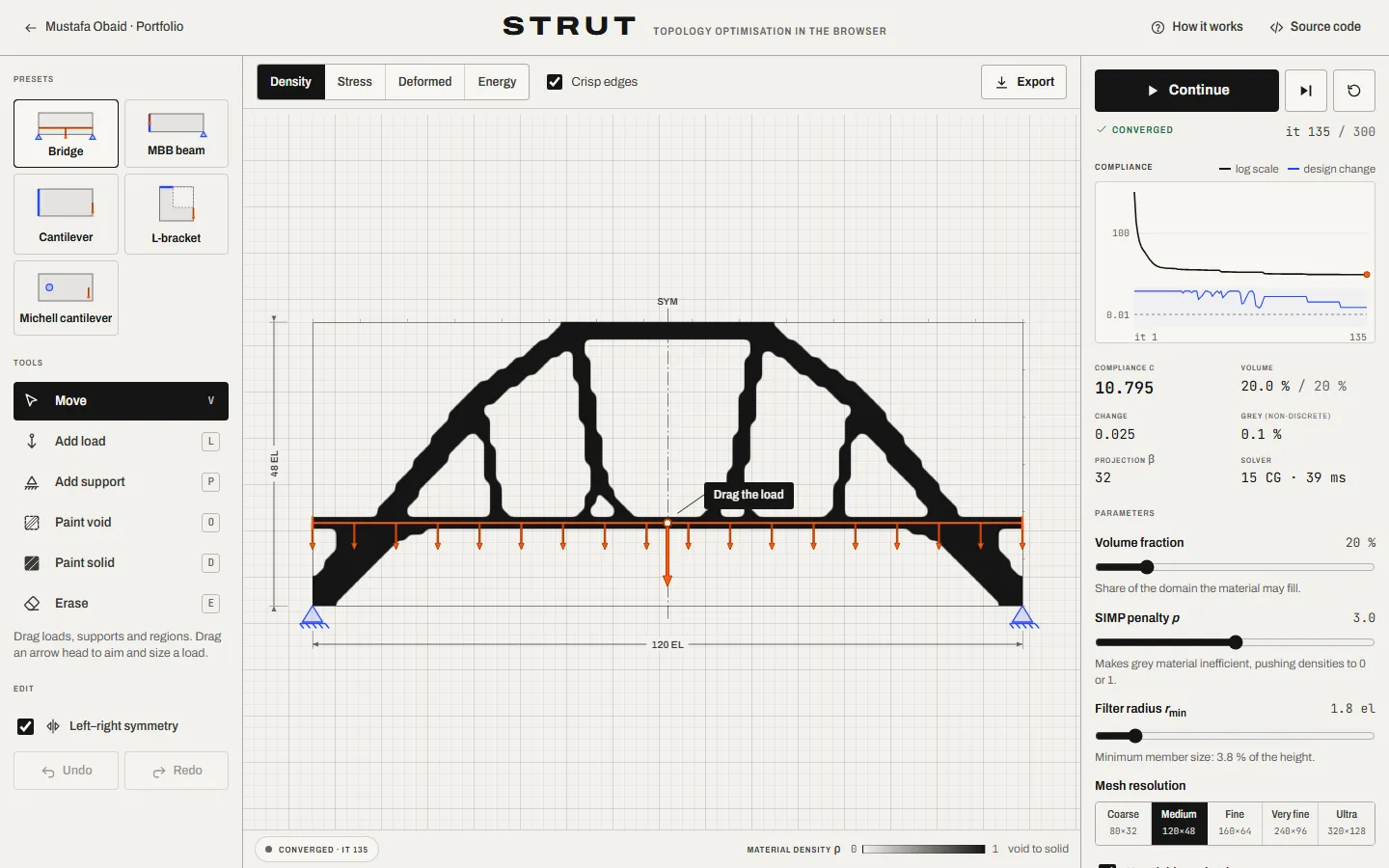
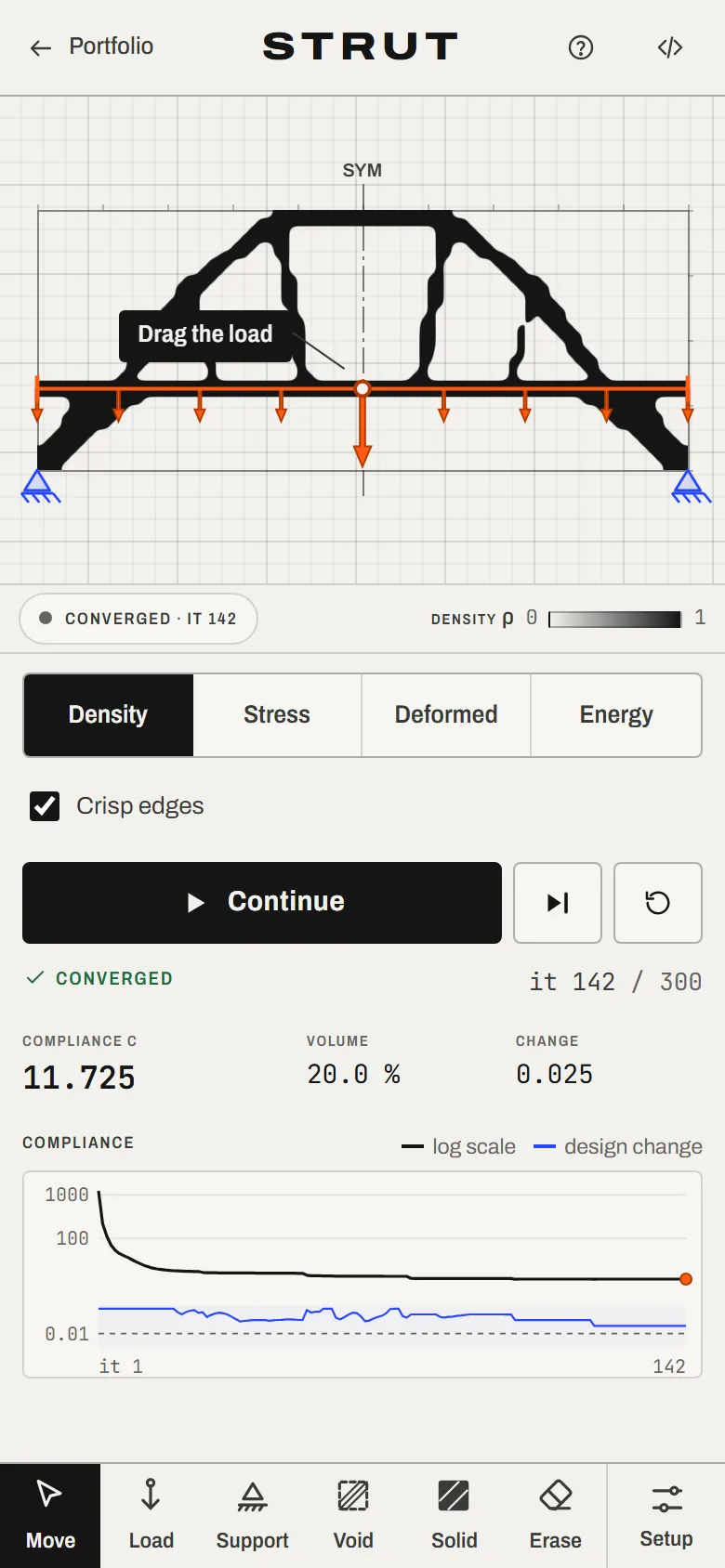
Place supports and loads and watch a finite-element optimiser grow the stiffest structure for the material you allow — then export it for fabrication.
What you can do
- Drag loads and supports and the design re-optimises live from where it is.
- Five presets, void and solid painting, symmetry, undo/redo and full keyboard editing.
- Density, von Mises stress, deformed shape and strain-energy views.
- An “88-line reference mode” that reproduces the published MATLAB results.
- Export a smoothed SVG cut outline or a watertight STL for 3D printing.
How it works
2D plane-stress finite elements with the SIMP material model, a density filter and Heaviside projection, updated by the optimality-criteria method. Equilibrium is solved matrix-free by conjugate gradients with a geometric multigrid preconditioner, in a Web Worker.
The hard part
A finite-element solver fast enough to re-optimise while you drag — about 36 ms per iteration on a 120 × 48 mesh — that still matches the reference implementation to the printed digit.
Validation
- MBB beam 60×20, sensitivity filter (Andreassen et al. 2011)
- 216.8137 vs 216.81
- MBB beam 60×20, density filter
- 233.7146 vs 233.71
- Heaviside projection variant
- 189.1405 vs 189.14
- Cantilever vs Timoshenko beam theory
- −0.24 % at 64 elements deep
- Sensitivities vs finite differences
- max relative error 6 × 10⁻⁷